
RSI Indicator Strategy on Deriv: Beginner's Guide
Setting Up the Deriv TradingView App Step by Step
Deriv's Derived Indices now run through TradingView, which means a Nigerian trader can chart synthetic instruments and manage open positions from a single screen. This guide covers the full setup, from creating the accounts to approving the connection, and explains what the mobile route changes compared with the browser terminal.
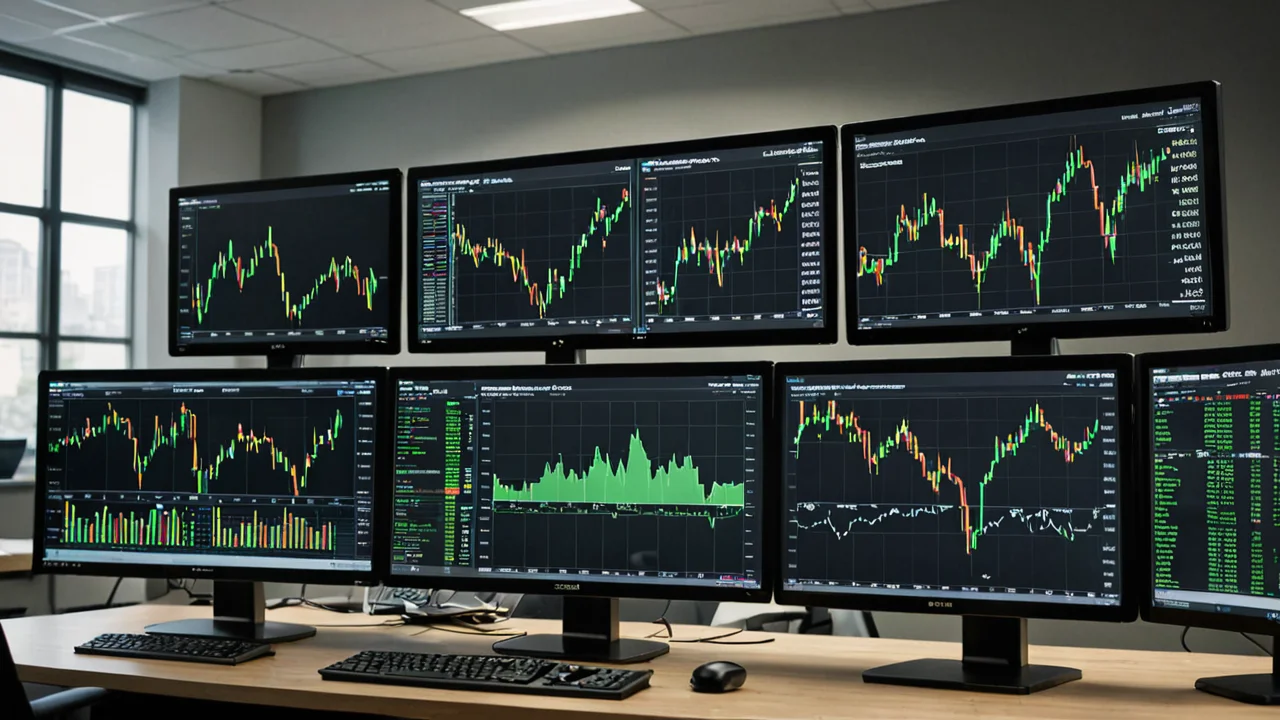
If you are starting from zero first, then come back to the linking steps below.
What the Deriv TradingView App Connection Actually Does
Deriv runs the brokerage side. TradingView runs the screen you look at.
That split decides who you contact when something breaks. Deriv states plainly that TradingView acts as the interface for charting and trade management, while Deriv itself handles pricing, execution and account management. Your order ticket, your position history and your money stay with Deriv. Your charts, indicators and drawing tools live inside TradingView.
The integration covers Deriv's Derived Indices and rolls out across markets where Deriv CFD accounts are available. It does not change what products you can trade. Access still depends on your country of residence and the product eligibility attached to your account.
- Charting and technical analysis inside TradingView
- Order placement routed back to your Deriv trading account
- Availability on TradingView's web platform and mobile apps for eligible clients
- No change to the instruments your Deriv account can already trade
Key Takeaway: TradingView is the view, Deriv is the engine. Connecting them does not create a new account or move your funds anywhere.
Accounts and Funding You Need Before Connecting
Two accounts, one connection, funding last.
Nigerian traders need a Deriv account and a TradingView account before any link option appears. Both are free to open. The money side is separate and arrives later, because the connection authorises data sharing between platforms rather than transfers.
Deriv accepts Nigeria-based traders, and Nigeria-focused comparison tables list a minimum deposit of about USD 5, with some reviews describing the practical range as USD 5 to USD 10. Accounts for Nigerian clients sit under the group's offshore entity.
Payment methods carry their own per-method deposit and withdrawal limits, so the minimum you actually need depends on the channel you pick. The official payment page lists each method with a range instead of one universal figure, which is why two traders can fund the same account with different amounts.
- A verified Deriv account with CFD access
- A TradingView account, the free tier is enough to start
- At least the minimum deposit for your chosen payment method
- Funds sitting in the correct Deriv account, not split across wallets
Step by Step Linking Deriv to TradingView
The flow is short, but order matters.
Sign in to Deriv first. Inside the dashboard, open the CFDs area and look for the Connect to TradingView option. Selecting it starts the handshake between the two platforms.
TradingView then asks you to approve access. Log in there if you have not already, click Connect, and accept the permissions. Once approval goes through, the accounts are speaking to each other and your Deriv trading account should appear as a tradable connection inside TradingView.
Funding comes last. Add money to your Deriv wallet, then transfer it to the linked trading account if a separate internal move is required before that balance becomes tradable. Plenty of first orders get rejected simply because the cash never left the wallet.
- Sign in to your Deriv account
- Open the CFDs section and select Connect to TradingView
- Sign in to TradingView and approve the connection request
- Fund the Deriv wallet and transfer into the linked trading account
- Confirm the balance shows as available before placing a first order
Key Takeaway: A funded wallet is not a funded trading account. Move the money across before you try to trade.
What Charting Looks Like on the TradingView Mobile App
Mobile is where most Nigerian traders will spend their time, and the TradingView app is built for it. Candles, timeframes, indicator stacks, drawing tools, watchlists and alerts all carry over from the desktop version.
On a phone the layout is compact and tabbed rather than spread across a wide canvas. That suits quick checks and position management well. It suits less well the kind of multi-panel analysis people do on a laptop.
Deriv's synthetic indices sit alongside forex, commodities, indices and cryptocurrencies, so a single watchlist can mix a derived index with a currency pair. Payouts on some synthetic instruments have been listed at up to roughly 95 percent, though pricing shifts constantly and no figure is guaranteed.
One detail worth knowing: the Deriv mobile app is a separate download, and the TradingView connection does not happen inside it. TradingView access runs through the TradingView app or its browser platform.
TradingView Mobile App vs Web Terminal
Both routes land in the same account. The difference is ergonomics.
The web terminal gives you room for several charts side by side, longer indicator lists and a fuller drawing toolbar. The mobile app trades that width for speed of access, which matters when you are checking an open position between other commitments.
Session handling is another practical gap. A browser tab can stay open for hours on a laptop. A phone app can be backgrounded, closed by the operating system, or lose its state when the signal drops. Nigerian mobile data conditions make that a real consideration rather than a theoretical one.
A sensible split for most people is research on the web, monitoring on mobile, and no assumption that the two screens show identical layouts. They do not, and expecting them to will cost you time.
- Web: wider charts, more indicators, easier multi-symbol comparison
- Mobile: faster access, alerts on the go, simpler trade tickets
- Both: same Deriv account, same execution, same funds
Deriv App or TradingView App: Which One Does What
Confusion here is common, so keep the two apps apart in your head.
The Deriv app is the account app. Deposits, withdrawals, verification, settings and support chat all live there. TradingView is the analysis and trading interface. If you want to fund a Nigerian account, you open Deriv. If you want to draw a trendline across a synthetic index, you open TradingView.
Neither replaces the other. Someone who installs only TradingView still needs the Deriv side for money movement, and someone who installs only the Deriv app never gets TradingView's charting library. Deriv runs 24/7 customer support, which helps when a connection step stalls at an awkward hour.
Setup Problems Nigerian Traders Run Into
Most failures fall into a handful of patterns.
A missing Connect to TradingView option usually points to the account lacking CFD access, or to the product not being available in that region. The rollout covers markets where Deriv CFD accounts are available, so an account without that permission will not see the button at all.
A connected account showing no tradable balance usually means funds never left the Deriv wallet. Confusion about binary options pricing is a separate issue: TradingView draws charts, not option payouts, so the payout figure you work from comes from the Deriv side.
If approval loops or the connection drops, disconnecting and reconnecting through the CFDs section is the standard fix. Reinstalling apps rarely helps, because the problem sits with the account link rather than the software on your phone.
- Missing connect button: check CFD eligibility on the Deriv account
- No tradable balance: move funds from wallet to trading account
- Repeated approval prompts: disconnect, then reconnect once
- Blank or delayed charts: check connection quality before blaming the platform
Risk and Regulation Notes for Nigeria
Deriv does not hold a Nigerian capital-markets licence. Nigerian clients are served through the group's offshore entity, and regulatory reviews consistently classify that setup as offshore tier with no investor compensation scheme attached.
That is not the same as a scam finding, and no such finding is established. It is a structural point about who protects you if something breaks. Offshore regulation generally means fewer avenues for recourse, slower complaint channels and no deposit insurance behind your balance.
Binary options and synthetic indices carry high risk on their own terms. Losses can build quickly, and synthetic instruments move around the clock with no underlying market to close and reopen.
Before funding, review the account setup and confirm which entity holds your money. Fund only what you can afford to lose.
Key Takeaway: A low minimum deposit makes entry easy. Easy entry is not the same as strong protection.
Frequently Asked Questions
-
Is there a dedicated Deriv TradingView app in Nigeria?
A: No. There are two separate apps: the Deriv app for your account, and the TradingView app for charting and trade management. The connection between them is set up from the CFDs section of your Deriv dashboard, not from inside the Deriv app.
-
Can I connect Deriv to TradingView using only my phone?
A: Yes. Deriv says the integration works on TradingView's web platform and mobile apps for eligible clients. You complete the linking step once through your Deriv account, which is doable in a mobile browser.
-
Why can I not see the Connect to TradingView option?
A: Most often the account does not have CFD access, or the product is not available where you live. Access depends on your country of residence and the eligibility attached to your Deriv account, and the rollout only covers markets where Deriv CFD accounts are available.
-
Does TradingView hold my money once I connect?
A: No. Deriv handles pricing, execution and account management, while TradingView is the interface for charting and trade management. Your funds stay with Deriv and are moved there through the Deriv wallet.
-
What is the minimum I need to start on Deriv in Nigeria?
A: Nigeria-focused comparison tables list a minimum deposit of about USD 5, with some reviews describing a practical range of USD 5 to USD 10. Deposit limits also vary per payment method, so check the official payment page for the channel you plan to use.
-
Which entity serves Nigerian clients?
A: Nigerian traders are onboarded through Deriv's offshore entity, and the broker holds no Nigerian capital-markets licence. That means no local investor compensation protection applies to the account.
-
Can I switch between the web terminal and the mobile app?
A: Yes, and switching is normal. Both reach the same Deriv account and the same funds, but the layouts differ, so expect a more compact chart view on the phone.
-
Do I need to fund TradingView separately?
A: No. Funding happens entirely on the Deriv side. TradingView receives the connection permissions you approve, not your money.